OpenCode to Sovereign AI:
Sarvam ConnectorUnder Development
Sovereign Tools Group
Engineering Lead
1. Introduction
The Sarvam Connector for OpenCode is a lightweight, secure bridge giving OpenCode developers access to Sarvam's frontier-class models, natively integrated directly into the OpenCode UI.
It introduces automatic API key rotation, encrypted local key storage, and seamless failover when a key's credits run out. It ensures that developers using Indian language models do not face workflow interruptions during long or intensive coding sessions.
02. System Architecture
The Sarvam Connector acts as a proxy between OpenCode's LLM engine and the Sarvam inference API. It intercepts requests, handles AES-256 decryption of locally cached keys, implements exponential back-off retries for failures, and manages seamless failover across multiple configured keys.
03. Core Features & Specifications
Zero-Downtime Rotation
- Rotation Order: Prioritizes keys with highest known positive credits.
- Triggers: Automatically rotates on HTTP
401/403or429(quota exhaustion). - Transient Reliability: Solves 500-level network issues with exponential backoff (500ms → 2s → 4s) before attempting rotation.
- In-flight Execution: The OpenCode session never witnesses a crash or error during failover.
Enterprise-Grade Security
- AES-256-GCM: Keys encrypted at rest featuring a 12-byte IV and 16-byte auth tag.
- Client-Side Ownership: Your encryption key (
SARVAM_STORE_KEY) is stored only in your local shell profile. - SHA-256 Fingerprints: CLI commands operate exclusively on deterministic, hash-derived IDs rather than exposing raw API secrets.
04. Integration Quickstart
Automatic Setup (in OpenCode)
Paste the following prompt directly into an active OpenCode session to have the LLM configure it automatically:
CLI Key Management Usage
05. Testing in OpenCode
Here is a real-world example of the Sarvam Connector working seamlessly within the OpenCode interface alongside its native features:
OpenCode Environment
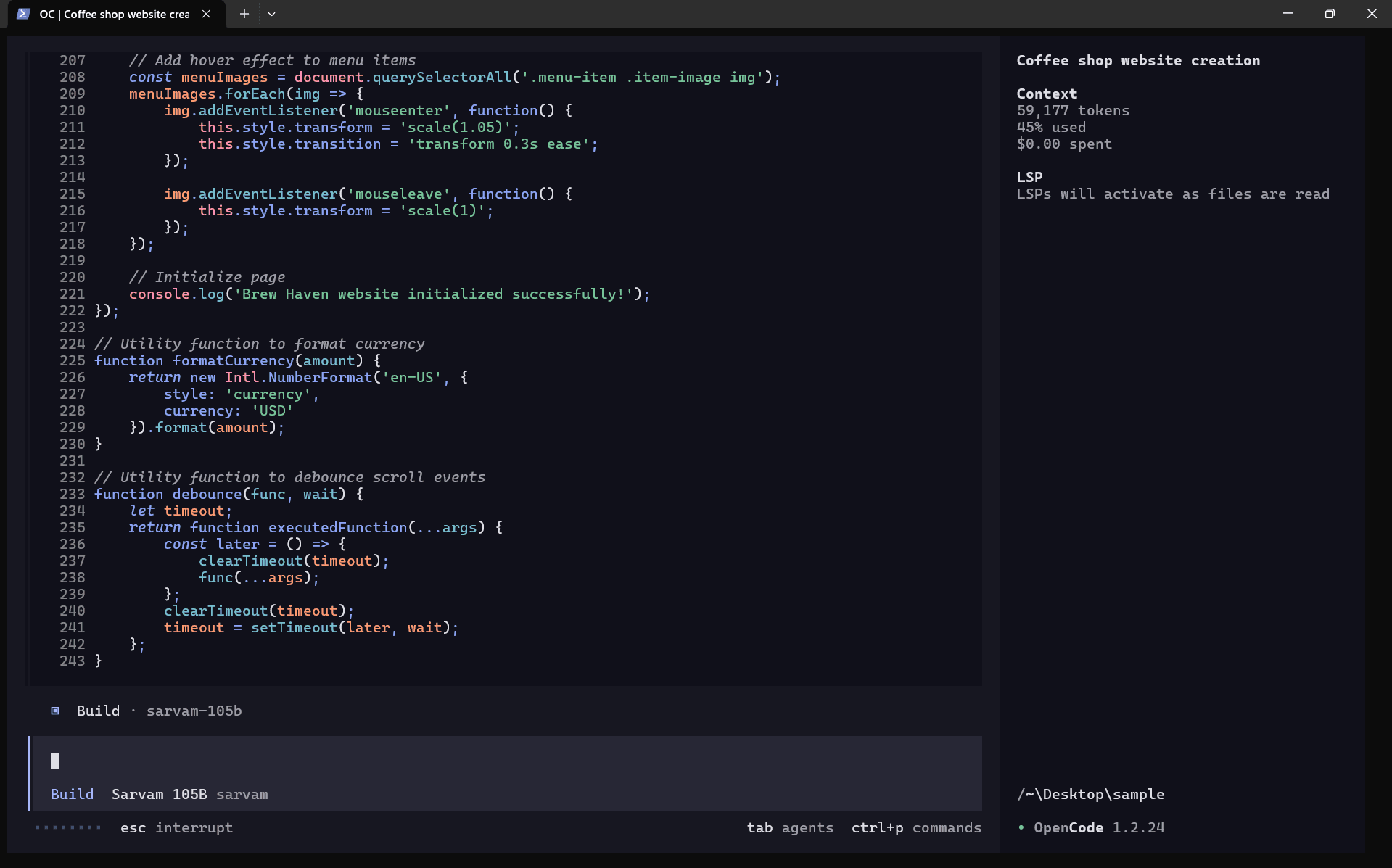
Test Case 1: Web UI Generation
"Create a eden-garden wesbite in html,css and js where eden-garden can show there services and product. Make sure to have hero, services, products, testimonials, contact and footer. Also, keep the theme of website pleasant for eyes."